Platform Guide
Actions
An action is an encouraged task Teckel shows to agents visiting your website that they can run after it shares the required fields.
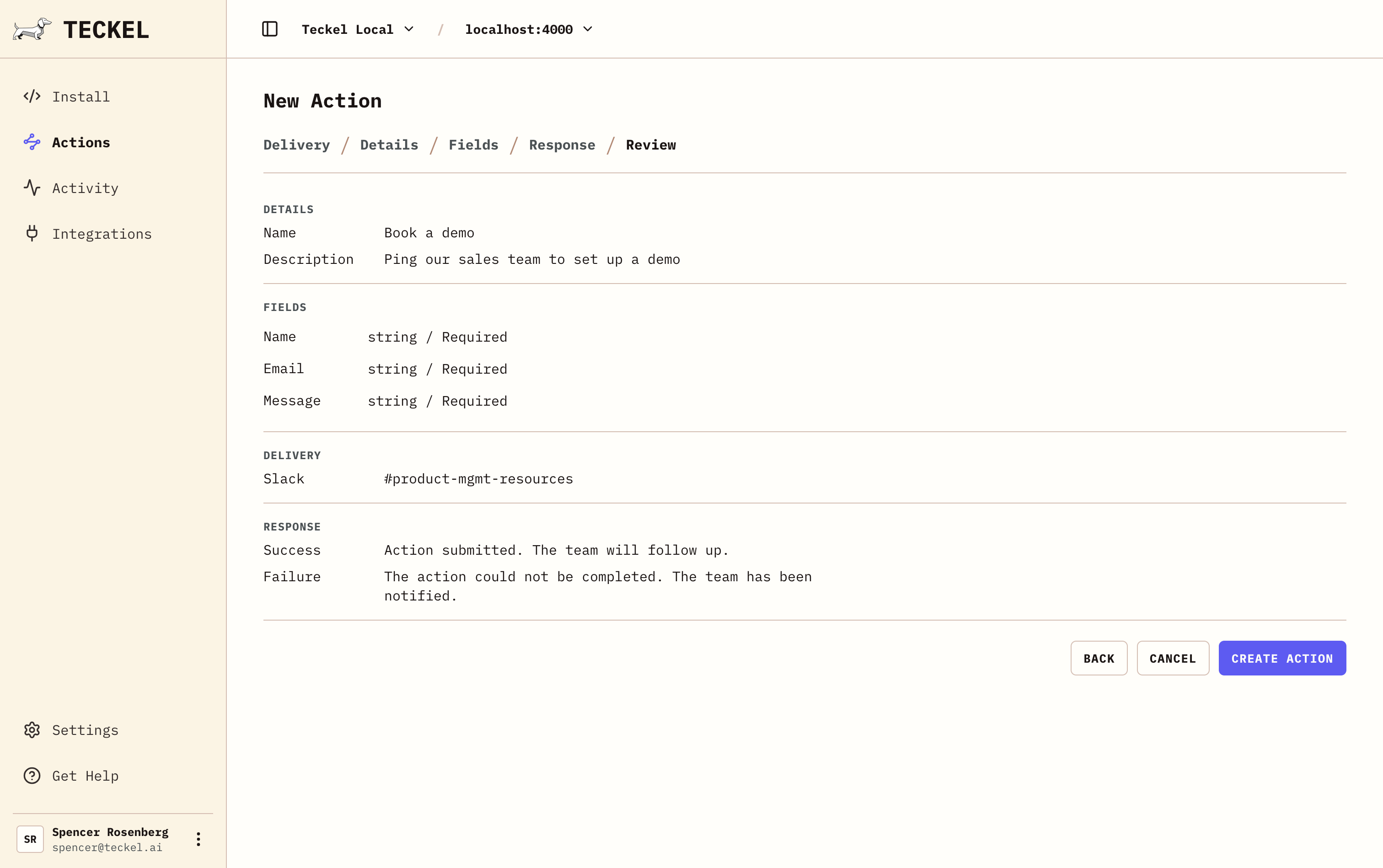
Each action has:
- A public name.
- A short description.
- Required and optional fields.
- A destination where data is set to.
Activity
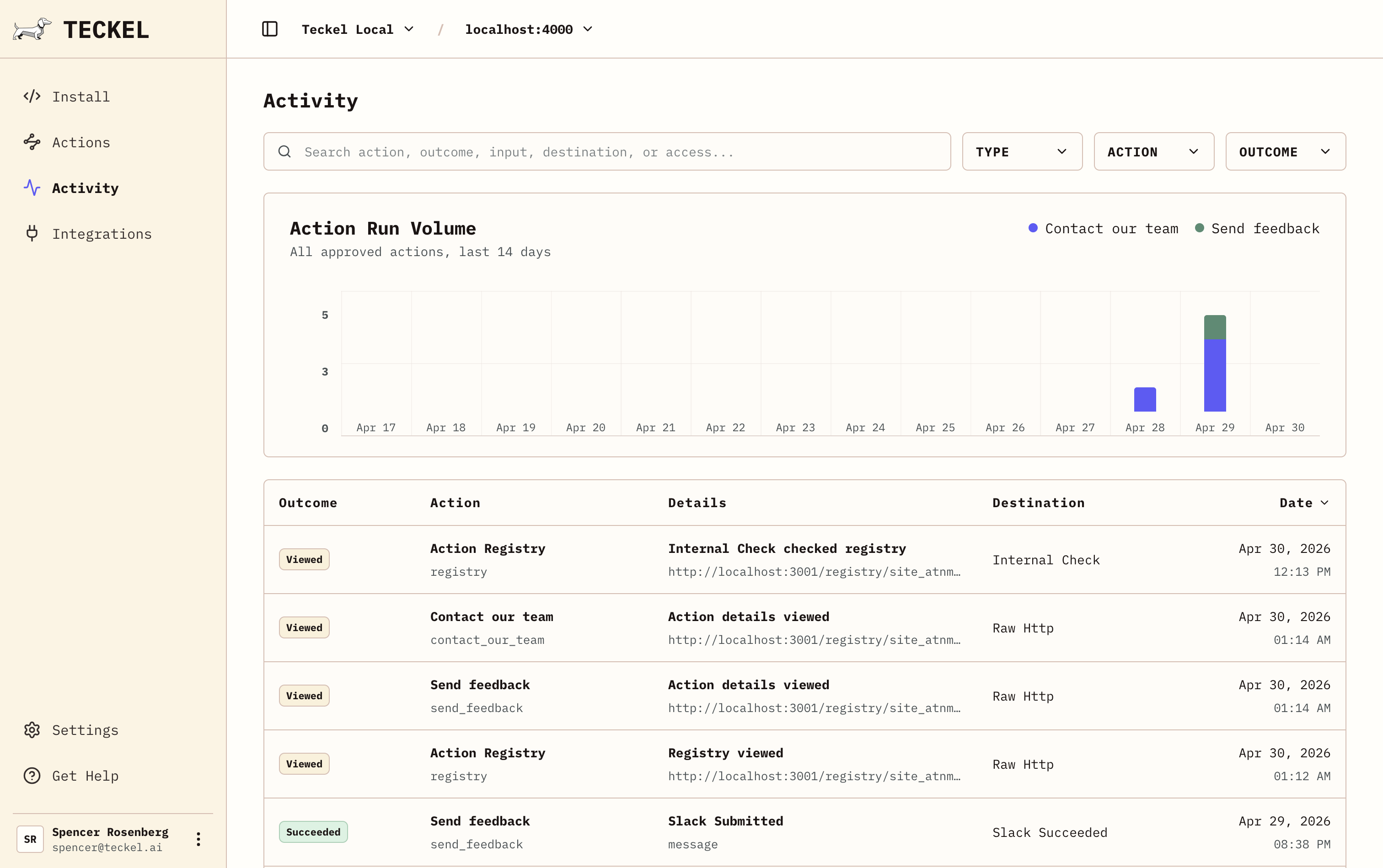
Activity shows how agents are finding and using the action registry, every time an agent reads it, or calls an action is logged for audit.
Integrations
Teckel supports many common third party integrations such as CRMs, calendar management tools, and organziation chat systems.
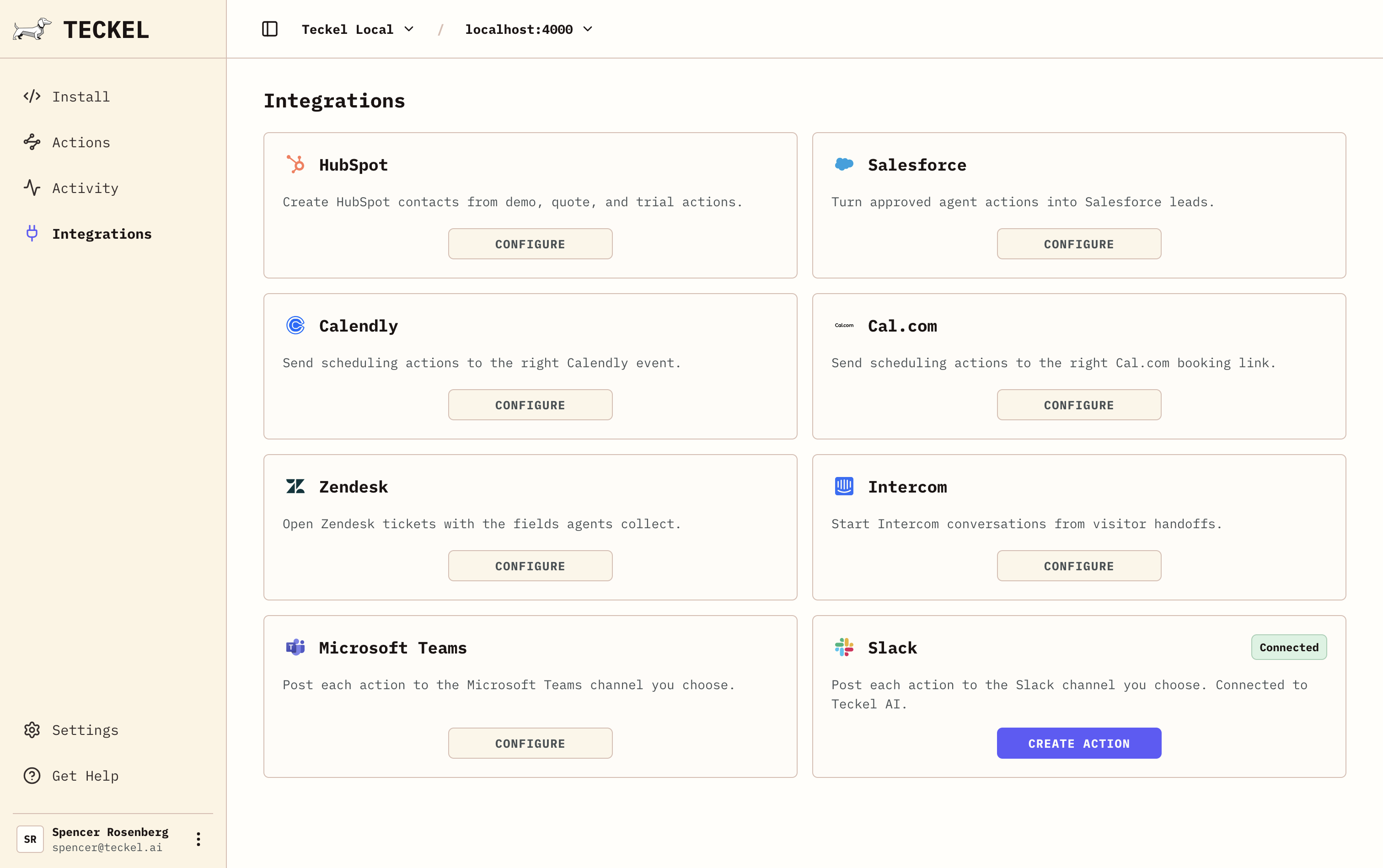
Slack and email work well for notifications like feedback for your team. Calendars can be used to book live demos. Configure agent requests to go directly to your CRM via integrations or webhooks for custom builds.
Install
Install Teckel in 5 minutes or less on your public website to point agents at your Action Registry.
We provide different types of AI agents visibility via:
- Your website script, so browser agents can read available actions on the page.
- Page metadata, so agents inspecting the HTML can find the Action Registry.
- llms.txt, so agents checking the site root get direct guidance.
- A well-known JSON file or response header, so crawlers and agent tools can discover the same actions outside the page body.
<script
  src="https://cdn.teckel.ai/agent-ready.js"
  data-site-id="site_abc123"
  data-action-registry-url="https://app.teckel.ai/registry/site_abc123.json"
  defer
></script>
For the exact files, headers, and request flow, see System Architecture.